
Website building
Online Store Planning Before Launch: Catalog, Variations, and Purchase Process
How to define the catalog, variations, inventory, delivery, and purchase process before building an online store, with planning examples and a handover test checklist.
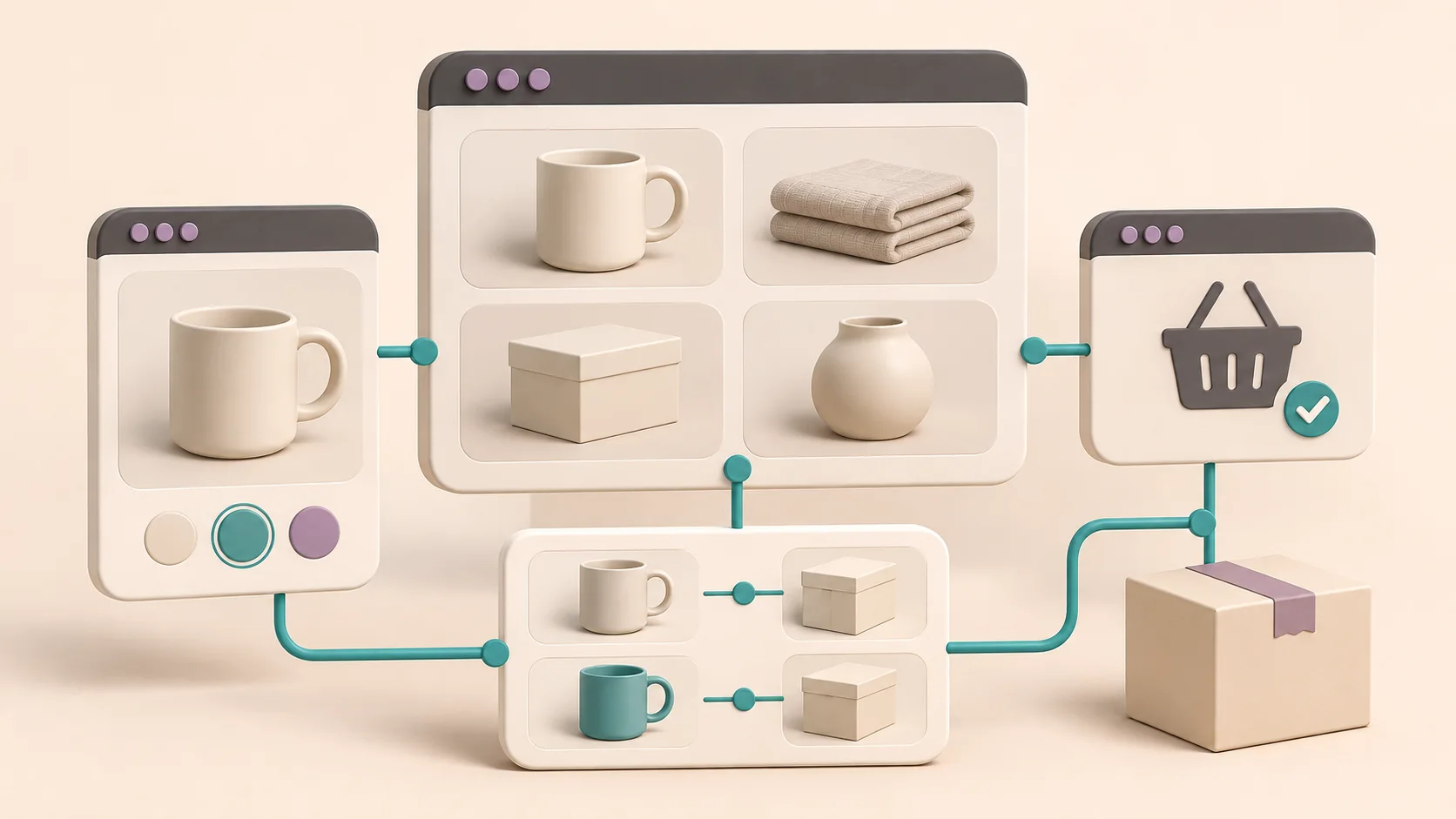
Online store planning starts before you choose colors and a template. First, you need to know what the store should sell and how the business will fulfill each order. Good planning connects the information a customer needs to make a choice with the information your team needs to handle the purchase. The result is not a long feature list. It is a set of clear decisions, product examples, and test scenarios.
This guide is for business owners who are planning to build an online store, or who want to organize an existing store before rebuilding it. It walks through the decisions in the order in which they affect each other: what the customer can complete on the site, how the product catalog is structured, when an attribute becomes a variation, how the customer reaches a product, what happens at checkout and after it, and how each decision becomes a test you can run before launch. At the end, you will find frequently asked questions and a structure for a document you can hand to your developer.
The examples in this article are made up for illustration and do not describe a client project. They show what a testable requirement looks like. They do not set a policy that fits every business.
First, Define What the Customer Can Complete on the Site
Is this a store where customers pay and get an order confirmation, a catalog where they send a quote request, or a mix of both? This is a business decision, and it comes before choosing a platform. A product whose price requires a personal review does not have to go through checkout as if it were an off-the-shelf item.
Store, Catalog, or a Mix
Each option changes what you need to plan:
- Store with checkout: the customer chooses, pays, and gets a confirmation. You need to define final prices, inventory, delivery options, payment, and what happens after the order.
- Catalog with quote requests: the customer chooses products and sends an inquiry, and someone at the business gets back to them. You need to define what details the form collects, where the inquiry goes, and who handles it.
- A mix of both: some products are bought through checkout, and others go to a quote request. You need to decide how each product is classified, and what the customer sees when one cart holds products of both types.
This decision does not have to be final. A business can start as a catalog and add checkout later, or the other way around. But you need to know what is right for the first launch, because the developer plans the pages, forms, and integrations around it.
Who You Sell To and What the First Launch Includes
Also write down who you sell to: individual consumers, businesses that buy in bulk, or two audiences with different processes. You do not need to build every option right away. You need to decide what will happen at the first launch, and what customers will not be able to do yet. That way you can compare build proposals for the same scope, instead of comparing only the price line.
With two audiences, the questions multiply. Does a business customer see a different price? Do they need an account to see it? Is there a minimum order quantity? Do they pay on the site or get a separate invoice? If you do not have an answer yet, write the question down as open. An open question written in the document is better than an assumption the developer fills in on their own.
It is also worth stating clearly what is not included. For example: "At the first launch there are no customer accounts, purchases are guest checkout only, and there is no separate price list for businesses." A sentence like this prevents arguments later, because both sides know what was agreed and what was left for the next phase.
Start with Three Products, Not the Whole Catalog
Choose a simple product, a product with options, and an unusual product. For example, in a home goods store you could use a single mug, bed sheets in several sizes, and a bundle that contains several items. This is an example for illustration, not a client project.
For each example, gather the name, description, images you have the right to use, approved price, product ID, stock status, relevant dimensions or weight, and delivery method. State who is responsible for updating each data point. Information that is missing from the example will usually be missing when the catalog is uploaded, too.
Why Three, and Why These Three
Three products are enough to surface most of the decisions, and you can still prepare them completely without stalling the project. The simple product tests the basic template: product page, price, image, and add to cart. The product with options tests the variation structure and inventory management. The unusual product tests what the template did not anticipate: a bundle, a product that needs special shipping, a product that requires personalization, or a product sold only by preorder.
If you do not have an unusual product, ask the person who handles orders today what makes their job harder. There is usually a quick answer: a product that always needs a phone call to clarify something, a product that comes from another supplier, or a product customers return more often than others. That is the product to include in your plan, because it will reveal early the places where the standard template is not enough.
A Sample Product Sheet
It helps to put all three examples in one spreadsheet, with a column for each data point and a row for each product or variation. That way the developer sees exactly what data structure the full product catalog will need. Columns worth including:
- Product ID: a unique ID for each product, and for each variation that has its own stock.
- Name and description: the text the customer will see, not the internal warehouse name.
- Category: the main category and, if needed, a secondary one.
- Attributes: material, dimensions, country of manufacture, or any other detail customers use to compare.
- Choice options: size, color, or anything the customer selects before adding to cart.
- Price: the approved price, and if a variation has a different price, that one too.
- Inventory: the quantity, or a note that the product is made to order.
- Shipping: weight and dimensions if they affect the cost, and any restriction on the delivery method.
- Images: the file names, and confirmation that you have the right to use them.
- Owner: who at the business updates the data point when it changes.
The last column looks less technical than the others, but it decides whether the catalog stays accurate after launch. A price with no owner gets updated late, and stock with no owner sometimes gets updated only after a customer complains.
Separate Categories, Attributes, and Variations
A category helps customers find their way around the store, an attribute describes a product, and a variation is an option the customer can choose. Not every description needs to create a new purchase option.
For example, "Bed sheets" can be a category, "cotton" an attribute, and the size a choice option. If each size has its own stock or price, the plan needs to say so. According to the WooCommerce documentation, a variable product lets you manage data such as price, image, and stock for each variation. You need to decide whether stock is shared or managed per option, rather than settling for a list of sizes on the screen.
Questions worth settling:
- Which combinations actually sell, and which do not exist?
- What does the shopper see when an option is out of stock?
- Does a choice change the image, the price, or the delivery time?
- Is the add-on a standalone product, part of a bundle, or a request that needs a manual check?
An Example of a Testable Requirement
Let's continue with the bed sheets. Instead of writing "size and color selection," you could write:
"The cotton model comes in single and double sizes and in white and blue. The double size in blue is not sold. Each combination that is sold has its own ID and its own stock. When a size and color are selected, the matching price and image are shown. When a combination's stock is zero, it cannot be added to the cart, unless the business has explicitly approved backorders and defined what the shopper will see."
This is a made-up planning example, not a rule that fits every store. Its advantage is that you can prepare product data for it and test that exact behavior, without the developer having to guess the business's policy.
When the Number of Combinations Grows
Every additional choice multiplies the number of combinations. A product in three sizes and four colors is already twelve combinations, and if you add a material choice, the number grows again. Each of these combinations is a row in the spreadsheet, an ID, a stock count, and sometimes an image. Before you add an option, ask whether the customer really chooses it, or whether this is information that belongs in the description.
Sometimes it is better to split. If two models differ in material and price, they may be two separate products with a page each, rather than one product with a material choice. The decision depends on how customers search and compare, not only on what is convenient for managing the catalog.
Bundles, Add-Ons, and Personalization
Three cases come up in almost every store, and it is worth writing down what happens in each one:
- Bundle: does it have its own stock, or is it derived from the stock of the items inside it? If one item in the bundle is out of stock, is the bundle out of stock too?
- Add-on: gift wrapping, assembly, or an extended warranty. Does it appear in the cart as a separate line, or as an option on the product page? Does it have its own price?
- Personalization: engraving, printing, or a custom size. What field does the customer fill in, is there a limit on text length, and who at the business approves the request before production?
In all of these cases, the question is not only how it will look on the screen, but what the business needs to receive in order to fulfill the order. If that information does not arrive with the order, someone will have to call the customer to ask, and the order will wait until they get an answer.
Plan the Path to the Product
Write down how a customer who does not know your internal names would look for a product. Choose categories in plain language, and add filters only where the catalog has consistent data. A "Size" filter will not help if the same size is written in several different ways.
It is important that products can be reached through links from category pages, not only through a search box. Google explains that the link structure helps it understand an ecommerce site, and that its crawler usually does not use internal search to find products. This is a planning recommendation, not a promise of indexing or rankings.
For more on this, see our article on internal links on a business website.
Category Pages and Filters
A category page is not just a list of products. It is where a customer who does not yet know what they want narrows down the choice. In your plan, write down for each main category which products belong to it, whether it has subcategories, and what customers will want to filter by.
Before you decide on a filter, check in the spreadsheet that the data exists for every product and is written the same way. If some products say "double" and others list sizes in centimeters, the filter will show partial results. It is better to filter by two consistent data points than by six that are missing from half the catalog.
It is also worth deciding what happens when a product belongs to two categories. Does it appear in both? Which one is shown in the breadcrumbs? These are small details, but they affect how customers find their way around, and how search engines understand the site structure.
The Product Page: What the Customer Needs to Decide
Write down what must appear on every product page before the add to cart button: price, availability, choice options, and what the customer needs to know about delivery. If some information appears only on a separate page, such as the return policy, decide whether to link to it from the product page.
A question worth asking here: what do customers ask today by phone or by message before they buy? Each of those questions is a candidate for the product page, the description, or a fixed field. That way your plan rests on what customers actually need, not on a generic template.
Internal Search and Empty Results
If the site has internal search, define what it searches: only product names, or also descriptions, IDs, and categories. Also define what a customer sees when their search returns no results. An empty page with no suggestion for what to do next is a point where a customer may leave. You can offer main categories, a way to get in touch, or both.
Plan Checkout and What Happens After It
Write down the intended path: choosing a product and option, adding to cart, reviewing the order details, choosing delivery and payment, confirmation, and follow-up handling. Alongside the normal path, define what happens when an item is out of stock, an address is not covered, a payment fails, or the customer returns to the page.
Do not set a delivery promise before the business owner has approved it. Gather the delivery areas, exceptions, rates, and the local pickup option as planning data for approval. Policies, privacy, and accessibility require a review that fits the business, and a technical plan is not a substitute for that.
After the order, define who receives it, where the status is updated, which system is responsible for inventory, and how cancellations or returns are handled. If there is an existing system, document what information should move and in which direction. "Integration with the system" without details on data and failure cases is not an acceptance criterion.
What the Customer Fills In at Checkout
Write down which fields checkout needs, and why each one is necessary. Name, phone, and delivery address are needed almost always. Additional fields, such as a company name or a note for the courier, are worth adding only if someone at the business actually uses them. Every unnecessary field is one more step for the customer, and more personal data the business collects and stores.
Also define whether customers can buy as guests, or must open an account. If there are accounts, write down what customers see in them: order history, saved addresses, or delivery status. If there are none, write down how a customer can find out what happened with their order.
Inventory and Shipping: Decisions to Write Down, Not Keep in Your Head
If the same item is also sold in a physical store, find out which system holds the quantity that counts. Define when the site gets an update, what happens during a disconnection, and who handles a mismatch. "Inventory sync" on its own does not guarantee that an out of stock item will not be sold. You need to test the integration in practice, along with its limits.
It is worth collecting the delivery rules in a simple list. For each decision, write down what the business needs to provide and what is checked before opening:
- Delivery area: the business provides a list of areas and exceptions. Before opening, check that a covered address gets a suitable option, and that an address outside the area gets a clear explanation.
- Shipping price: the business provides an approved rule based on the order or the product. Before opening, check that the price is shown before payment is confirmed and changes according to the rule.
- Local pickup: the business provides the location, availability, and approved instructions. Before opening, check that choosing pickup does not leave a wrong shipping charge.
- Mixed cart: the business defines how to handle items with different delivery terms. Before opening, check that the shopper sees the options and the cost before placing the order.
- Out of stock item: the business decides whether to block the purchase or allow an approved backorder. Before opening, check that the message and the option at checkout match the policy.
This list is not a ready-made shipping policy for the business. It defines what information you need to get from the business and how to make sure the site applies it.
After the Order: Notifications, Status, Cancellations, and Returns
A large part of the work in a store begins after the customer clicks the payment button. In your plan, write down the list of statuses an order goes through, such as received, processing, shipped, and completed, and who moves it from one status to the next. If some transitions happen automatically, write down what triggers them.
For each status, decide whether the customer gets a notification, through which channel, and what it says. An order confirmation should include at least what was ordered, the address, and the selected delivery method, so the customer can spot a mistake early. It is worth writing the notification text during planning, rather than leaving it to the system's default wording.
Cancellations and returns require a business decision and a review of the requirements that apply to the business, not just a technical setting. What the plan needs to define is the process: how the customer requests a cancellation, who receives the request, what happens to inventory when a product is returned, and how the order is updated in the system. If this is not settled yet, write it down as an open question before launch.
Turn Requirements into Acceptance Tests
Instead of "the store needs to work on mobile," write: on a narrow screen, you can select an option, read the price, edit the quantity, and reach checkout without a hidden button. Instead of "there is tracking," define which events are required and how a single purchase will be tested without duplication, in an authorized test environment.
For example, you could attach the following scenarios to your plan. These are suggested conditions for testing in a suitable environment, not a claim that the store has already been tested:
- Changing a variation in the cart: choose an available product, add it to the cart, and change the option in whatever way the site allows. The ID, price, and image should still match the product that was ordered.
- Incomplete payment: use the payment provider's test mode, if it is available and authorized. The business needs to know the order status, what the customer sees, and whether a confirmation was sent. Never mark a payment as received when it was not.
- Returning to the confirmation page: after an approved test order, refresh the page and check that no additional order is created. Separately, check that the purchase is not counted again in tracking. Orders and tracking are two different systems.
- Out of stock item: in the test environment, set the stock of one combination to zero. On the product page, the combination cannot be added to the cart, and the message shown matches what the business approved.
- Address outside the delivery area: at checkout, enter a test address that is not in the covered area. The customer gets a clear explanation, and no order is created with a delivery that cannot be made.
- Local pickup: choose pickup at checkout. The shipping cost is removed from the total, and the approved instructions appear at checkout and in the confirmation message.
Payment tests do not require a real charge at every stage. Coordinate the test environment and permissions with whoever is building the store and with the payment provider. Do not enter real customer details just to fill in a scenario.
How to Write a Good Acceptance Criterion
A good acceptance criterion has three parts: a starting state, an action, and an expected result. For example: "When the combination's stock is zero and the customer tries to add it to the cart, the button is unavailable and the approved message is shown." This sentence says what the state is, what the customer does, and what should happen. When one of the parts is missing, it is hard to decide whether the test passed.
It is also worth writing down who runs each test and when. The developer runs some tests before handover, and some are better run by someone from the business, because they know the products and will spot a wrong price or image. A test that nobody owns tends to get postponed until after launch.
A Short Handover Checklist for the Developer
- Three complete product examples, with an owner for the data.
- A map of categories, attributes, and purchase options.
- Inventory, pricing, and delivery rules approved by the business.
- The order path and failure cases, with the expected result.
- A list of integrations, data, and access dependencies.
- Desktop and mobile tests, and a clear distinction between a purchase, a click, and tracking.
- What is included in the first launch and what is saved for the next phase.
You do not need to add every capability on day one. What matters is knowing what must work so the customer can choose and the business can fulfill, and what can wait without breaking that path.
Online Store Planning: Frequently Asked Questions
Do I need to plan the entire catalog before building the store?
No. Three complete product examples, a category map, and inventory and delivery rules are enough to build the structure and test it. The rest of the catalog is uploaded using the same structure. What matters is that the sample sheet includes every column the full catalog will need, so you do not discover halfway through the upload that a data point is missing.
What is the difference between an attribute and a variation?
An attribute describes the product, such as material or country of manufacture. A variation is an option the customer selects before adding to cart, such as size or color. A useful rule of thumb: if the choice has its own price, stock, or image, it is probably a variation. If it is only information that helps the customer decide, it is an attribute. When in doubt, decide based on what the business needs to know to fulfill the order.
Can I start as a catalog and add checkout later?
Yes, and it is a reasonable choice for a business that is still learning how its customers want to buy. It is worth planning the data structure now as if there will be a checkout: IDs, prices, and inventory. That way, moving to checkout means adding a step, not rebuilding the catalog. What you need to check with the developer is whether the chosen platform supports this move, and what it requires.
Who should write the plan, the business owner or the developer?
Both. The business owner knows the products, the customers, and the business's policies. The developer knows which decisions the system needs in order to work. In practice, the business owner brings the examples and decisions, and the developer helps phrase them as testable conditions and flags what is still missing. A plan written by only one side usually misses what the other side knows.
Does the plan decide which platform to build the store on?
Not on its own, but it is the basis for that decision. Once the requirements are written down, you can ask each vendor which of them are supported out of the box, which need customization, and which depend on a plugin or an additional service. Without a plan, comparing platforms relies on generic feature lists, not on what your store actually needs.
What should I do with questions that do not have an answer yet?
Write them in the document as open questions, and next to each one note who needs to decide. A marked open question is a normal part of the plan, and it lets the developer estimate what might change. The problem starts when the question disappears from the document and the developer fills it in with their own assumption.
What Does a Document You Can Hand to a Developer Look Like?
The document does not need to be long to be useful. For each requirement, leave room for four answers: what was decided, who provides the data, what is still open, and what a correct result will look like.
For example: "Local pickup is included in the launch. The business owner provides the address and instructions. It has not been decided yet whether scheduling is required. In testing, choosing pickup removes the shipping cost and shows the approved instructions." That way an open question does not accidentally turn into a service promise.
You can attach a product spreadsheet and an image folder instead of copying everything into the document. What matters is that the files are clearly labeled and that it is clear which version was agreed on. If you need an integration with an existing system, add a technical contact and available documentation, not passwords inside the planning document.
A Suggested Document Structure
You can build the document in the order of this article. Each section is short, and each answers one question:
- Goal and scope: what the customer can complete on the site, and what is and is not included in the first launch.
- Audience: who you sell to, and whether there is a different process for individual and business customers.
- Product examples: the three products, with the full spreadsheet and an owner for each data point.
- Catalog structure: categories, attributes, variations, bundles, and add-ons.
- Path to the product: category pages, filters, internal search, and what appears on the product page.
- Checkout and delivery: checkout fields, shipping rules, local pickup, and out of stock items.
- After the order: statuses, customer notifications, cancellations, and returns.
- Integrations: which systems receive or send data, and what happens when an integration fails.
- Acceptance tests: the scenarios, the expected result, and who runs each test.
- Open questions: everything that has not been decided yet, and who needs to decide.
A document with this structure also helps after launch. When you add a new category or change a shipping rule, you can go back to the relevant section and update it, instead of reconstructing from memory what was agreed.
What to Ask the Vendor Before Choosing a Solution
Before choosing a solution, ask the vendor to state what is supported out of the box, what requires customization, and what depends on an additional service. These answers may change the scope of work, and there is no reason to assume in advance that every feature is available on every platform.
It is also worth asking who will update the store after launch. Will you upload products and change prices yourself, or does every change go through the developer? If you will update it yourself, ask to see the admin panel with one of the products from your examples, and check that you understand how to change a variation and stock there.
Another question worth settling is what happens when something changes after launch: a new product that does not fit the structure, a payment provider that changes its terms, or an inventory system that gets updated. There is no single right answer here, but it is worth knowing in advance who handles it and how.
Professional Sources
- The WooCommerce documentation on Variable Products, linked in the section on categories, attributes, and variations.
- The Google Search Central explanation of ecommerce site structure, linked in the section on the path to the product.
Come to the Planning Call with Material You Can Work With
Gather the examples and decisions in one document, and mark open questions instead of guessing. That way you can discuss scope, dependencies, and acceptance criteria before the build.
To learn more about catalog and online store sites at Leadify, prepare your existing catalog, examples, and open questions. If the store is part of a broader site, with service pages and content, it is also worth reading about business website design. This is a useful starting point for a conversation about a store that fits the way your business really works.
When your material is ready, book a planning call, and we will go over the scope, dependencies, and acceptance criteria for your store together.
The first step
You have a goal. Let’s turn it into a digital system that works.
Leave your details for a focused introduction. No commitment and no generic proposal before we understand the goal.